
You sign in, open a Firebase project, and the collection you expected is missing. Before changing permissions or importing anything, check the connection itself. The account, project and database are separate choices. Getting one right does not confirm the others.
This guide walks through those checks in Cengal, a native Firestore workspace for Mac. It is useful when you work across personal projects, client accounts and staging environments, or when the Firebase Console and your desktop workspace appear to show different data.
Start with the direct Mac download
Download Cengal from cengal.app and follow the installation instructions on that page. The published preview is available as a direct download. This guide does not require a Mac App Store release.
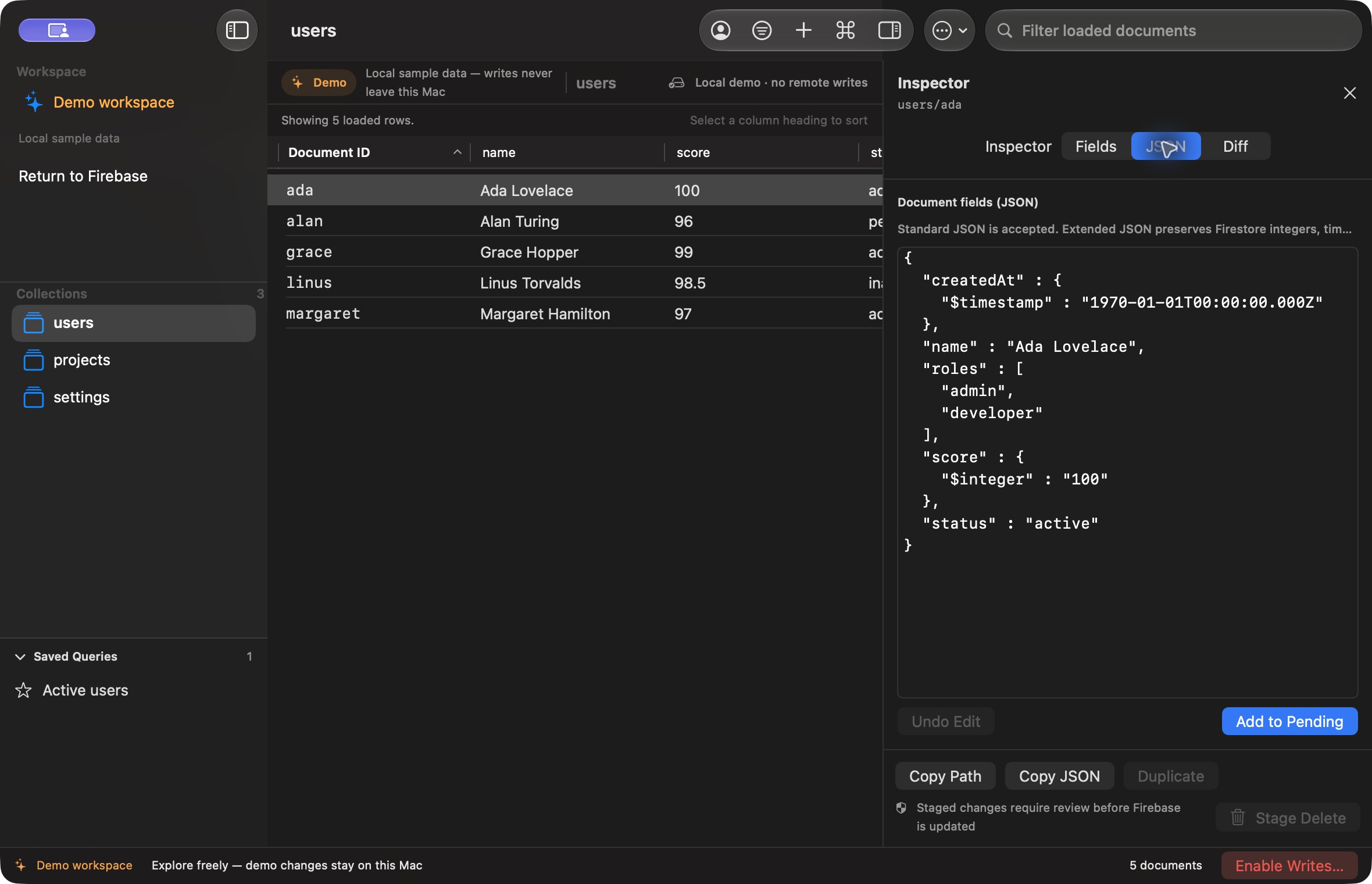
If you want to understand the workspace before connecting an account, choose Explore sample data. That local demo is a place to practise navigating collections and reviewing a staged edit. It does not establish a connection to your own Firebase project.
When you are ready to inspect your data, follow Add a Google Account. Complete Google’s browser sign-in with the identity that has access to the intended project, then return to Cengal.
A familiar project name is reassuring. Unfortunately, staging and production can both be very familiar. Read the ID anyway.
Check four things before investigating missing data
| Check | What to compare | Why it matters |
|---|---|---|
| Google identity | The email shown in the workspace and the account used in Google Cloud | Different accounts can see different projects. |
| Project | The exact project ID, not just a familiar display name | Similar names are easy to confuse across staging and production. |
| Database | The database ID, including whether it is (default) |
A project can contain more than one Firestore database. |
| Collection path | The full path to the collection or subcollection | A nested collection is a different location from a root collection with the same name. |
For example, tasks and teams/demo/tasks are different collection paths. Seeing an empty root tasks collection does not tell you whether a team’s nested tasks exist. Use a non-sensitive known document path to confirm that you are inspecting the intended location.
Do the same comparison in the Firebase Console if you are using it as a reference. Match the project ID and database, rather than comparing two tabs by appearance.
Google sign-in and service accounts have different roles
Google sign-in connects a human identity. A service-account key connects a machine identity with the permissions granted to it. If your team uses service accounts, follow Cengal’s service-account connection instructions and your team’s credential policy.
The identity used to access Firestore is also distinct from the Google identity that owns a Cengal licence. A service-account file does not become the owner of a personal subscription. See billing and licence identity if restoring Pro and opening a project seem to behave differently.
Do not paste a service-account key into an article, support message or shared screenshot. Use the app’s import flow, keep access limited to the necessary projects, and handle the original file according to your team’s policy.
A permission error is different from an empty collection
A successful read with no matching documents and a denied read need different investigations. Record the non-sensitive error message before changing anything.
Firestore REST authentication can use Firebase ID tokens or Google OAuth tokens. The authorization path depends on the token: Firebase documents the distinction between Security Rules and IAM for REST requests. Cengal’s Google and service-account connections use Google APIs; do not assume that loosening the mobile app’s Firestore Security Rules will repair a desktop account’s IAM permissions.
For an expired session, reconnect the intended account. For denied access, have the project administrator check the relevant identity and permissions. Broad access grants make a poor diagnostic shortcut.
Confirm the connection with a read
Open a known collection, inspect a document, and verify its full path. Keep this first check read-only. A successful read is evidence that this identity can read this location; it is not proof that every collection is accessible or that writes are permitted.
If a query alone returns nothing after the connection is confirmed, use the existing four-document query debugging guide. If you need a local copy to inspect, continue with exporting a Firestore collection to JSON.
Before a connected edit, check the same target again and follow the document review workflow. Connection checks are small, but they prevent a long investigation in the wrong database.
Verification: connection terminology and steps were checked against Cengal’s published documentation and source. This is a workflow guide; no customer database was accessed or modified to prepare it.